Get found nearby. Get more customers.
Localsville helps local people get discovered for what they make, fix, teach, create, and sell.
Welcome to Localsville. Follow the five steps below to set up your profile.
Welcome to Localsville. Follow the five steps below to set up your profile.
A Local Partner invited you. This is their invite code, their community member number:
While setting up your profile, look for “Invited by a Local Partner?” and enter this code so they are credited. It is optional and does not change what you pay or how you appear.
The code in this link doesn’t look like a Localsville invite code. Codes start with LV-. You can ask the person who invited you to share it again, or set up your profile without one.


Free on iPhone and Android.
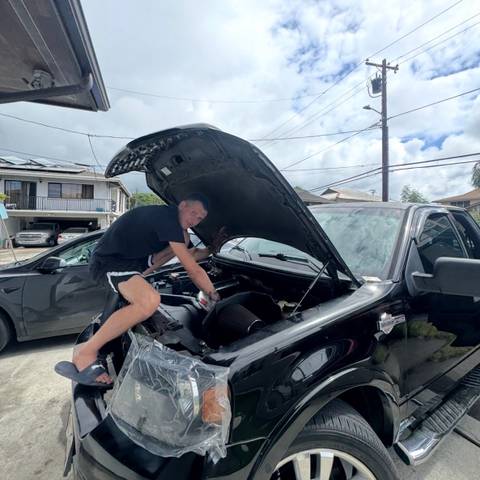
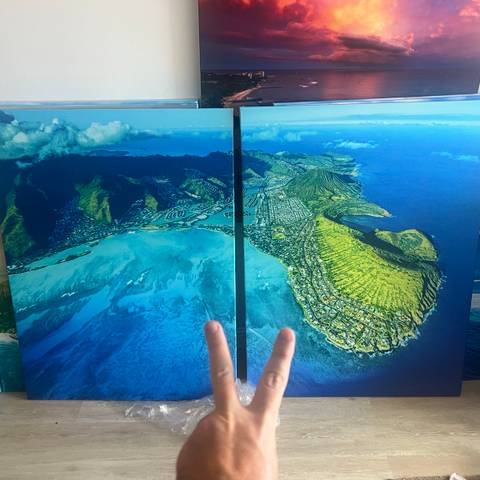
Real people. Real skills. Already here.
Meet some of the local people sharing what they do, make, and offer. Your work could be next.


How to get set up
Every step happens in the Localsville app.
Get the app.
Download Localsville and tap “Get into Localsville.”
Choose your community.
Use your location or choose your town manually.
Create your profile.
Open Me, tap “Verify phone number,” then “Create your profile.” Tell people who you are and what you do.
Add what you offer.
Add at least one offering, plus your main photo, story, and how people can reach you.
Submit for review.
Complete all requirements, including an approved main photo, then tap “Submit for review.” A person at Localsville reads every new profile. Once approved, your profile can appear in Discover.
We can help you prepare your description and offerings.
Already in the app? Go to Me, then “Get help.” You can also read the Help Center.